feature HIGHLIGHTs

The starting place for everything you do

Search with AI

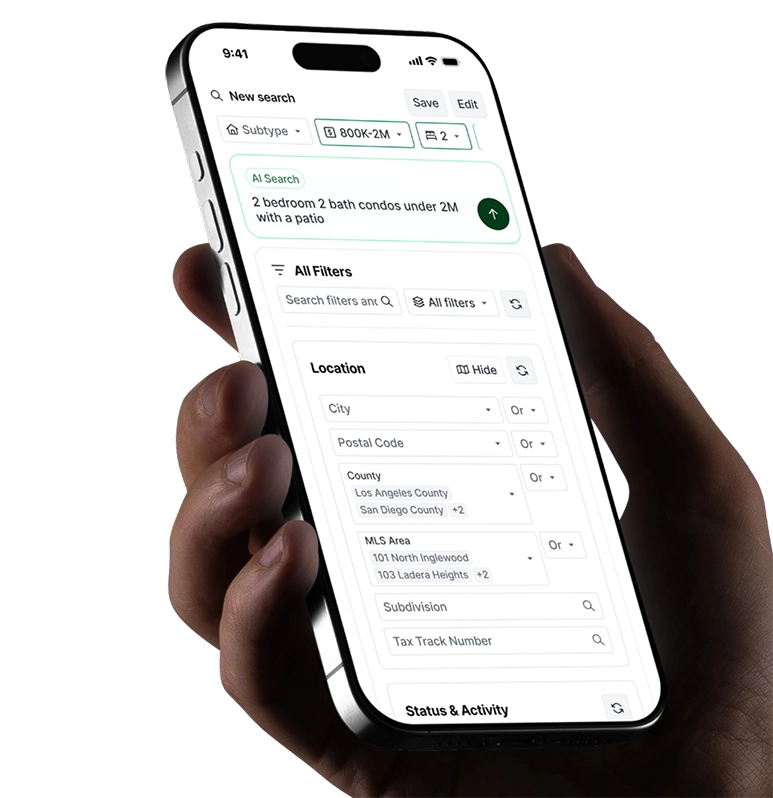
Describe what your client needs in plain English. Perchwell sets the filters for you.
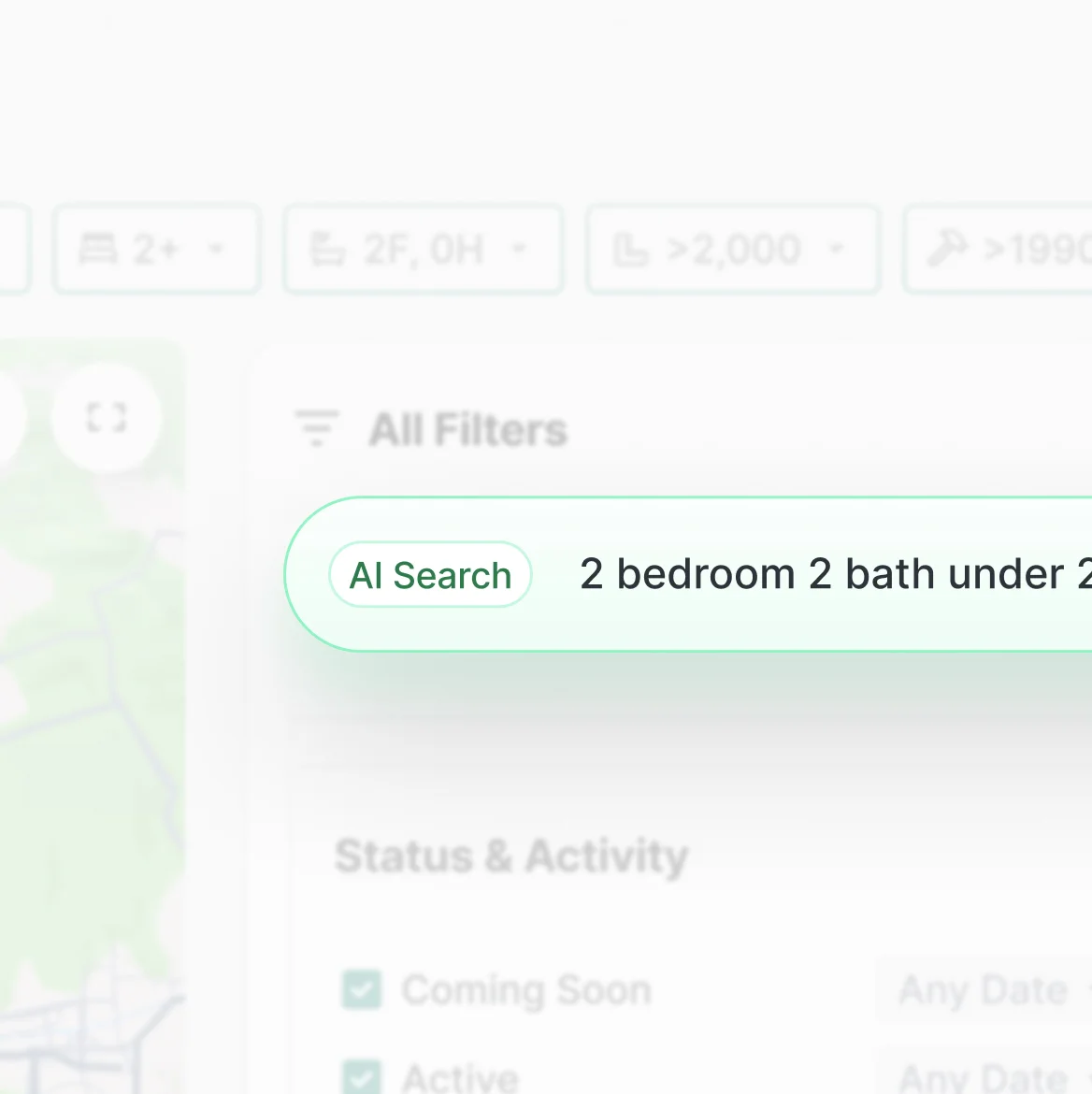
Perchwell SearchWell natural language search interface
Inline Filters

Refine your search filters from any view without losing your results.
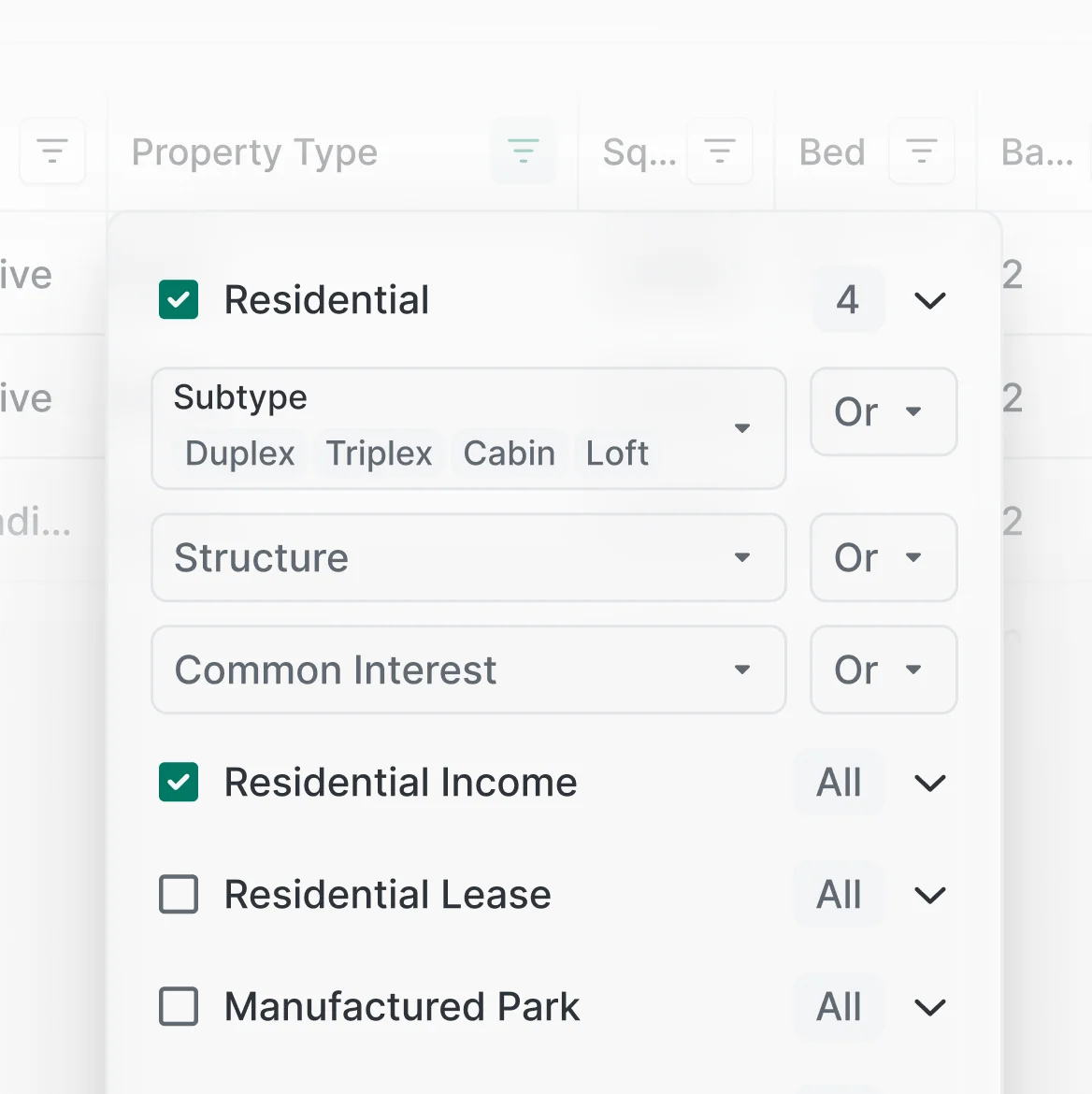
Inline filter controls on Perchwell search results
Saved Searches & Alerts

Customize alerts and notifications on each saved search.
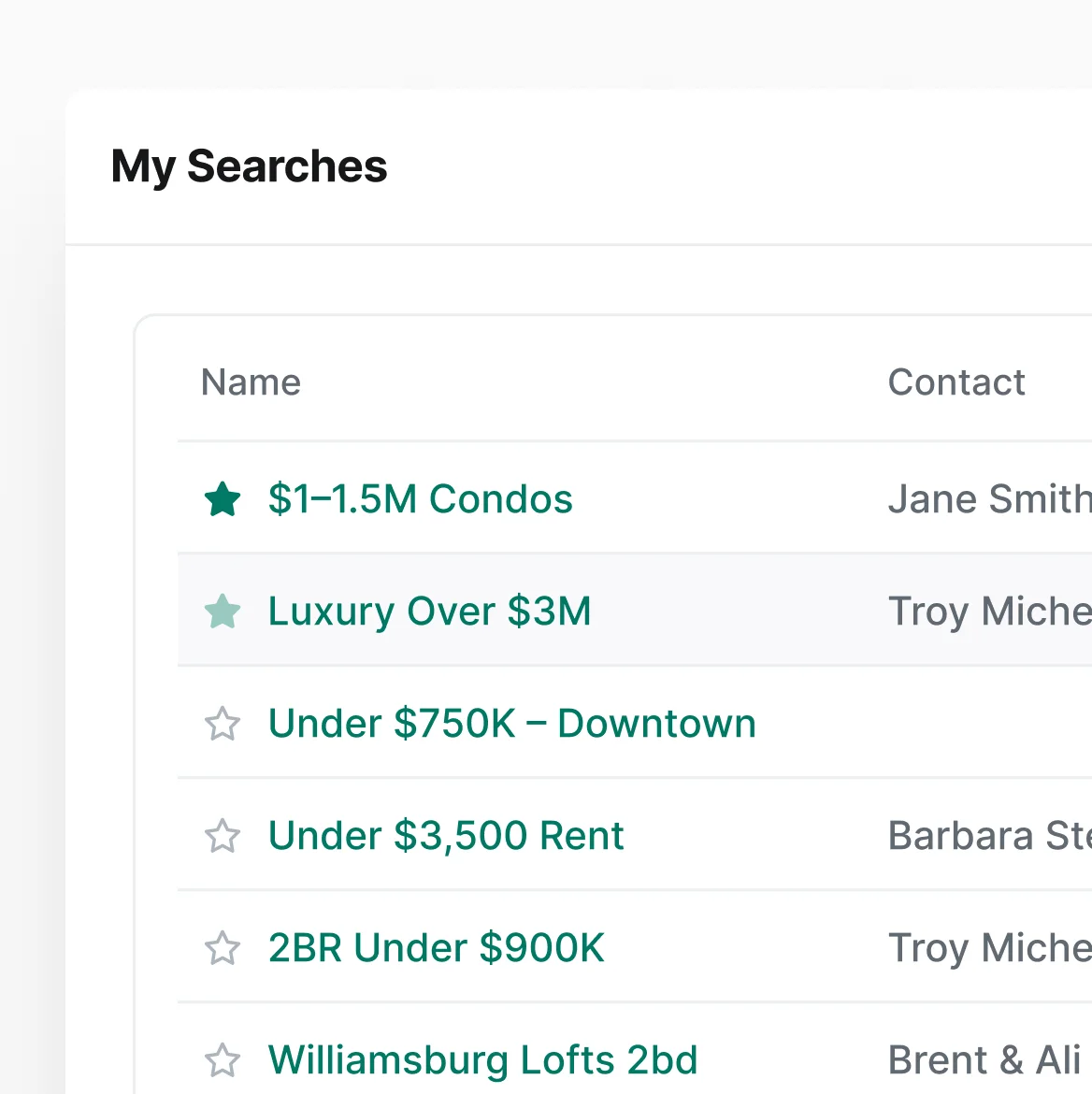
Perchwell saved searches list with alert configuration
Listing Details

Beautiful listing details pages that make you look professional.
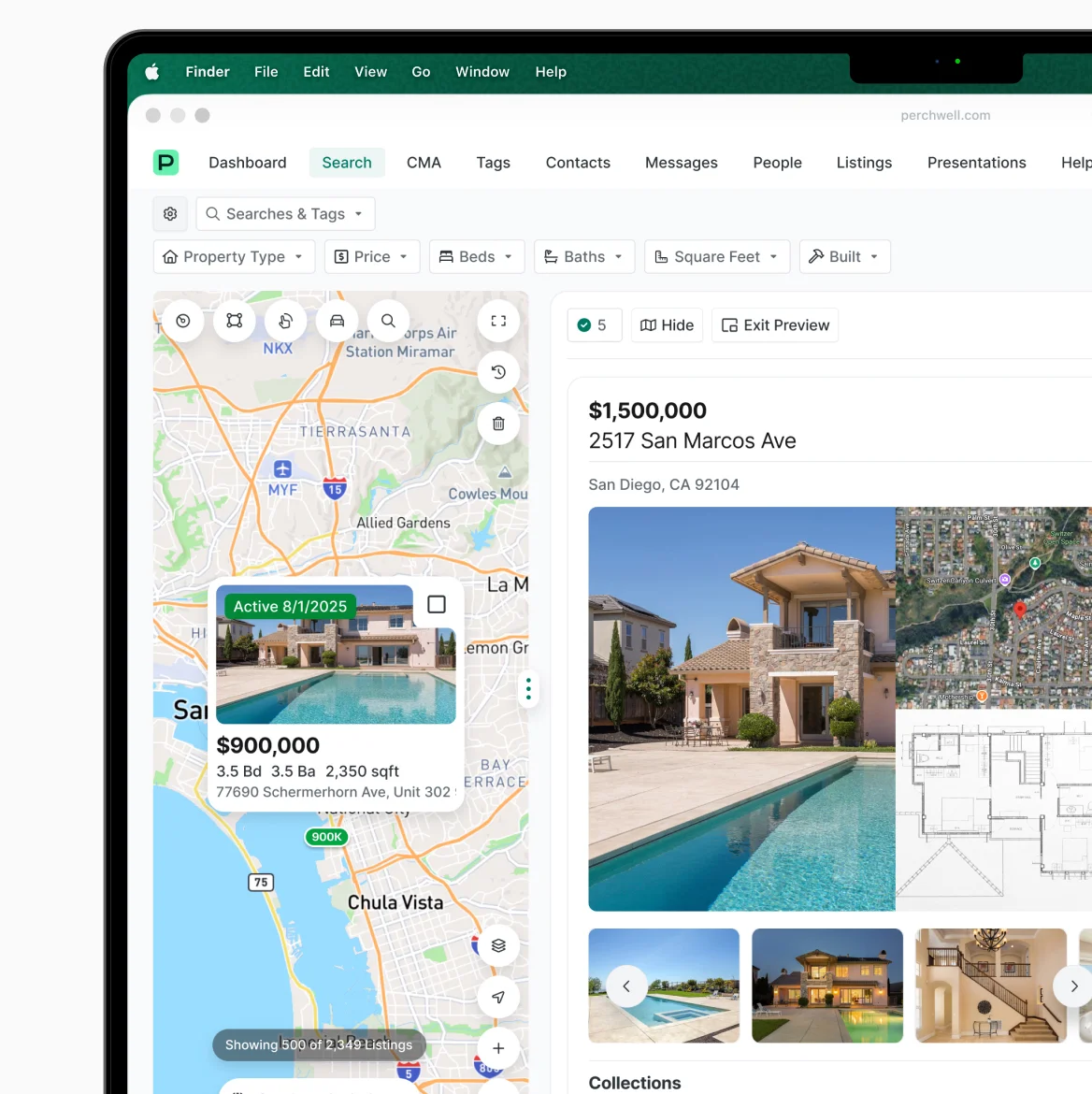
Perchwell listing details page with property information
Intuitive Layouts

Grid, list, compact, or analytics. Set it up your way.
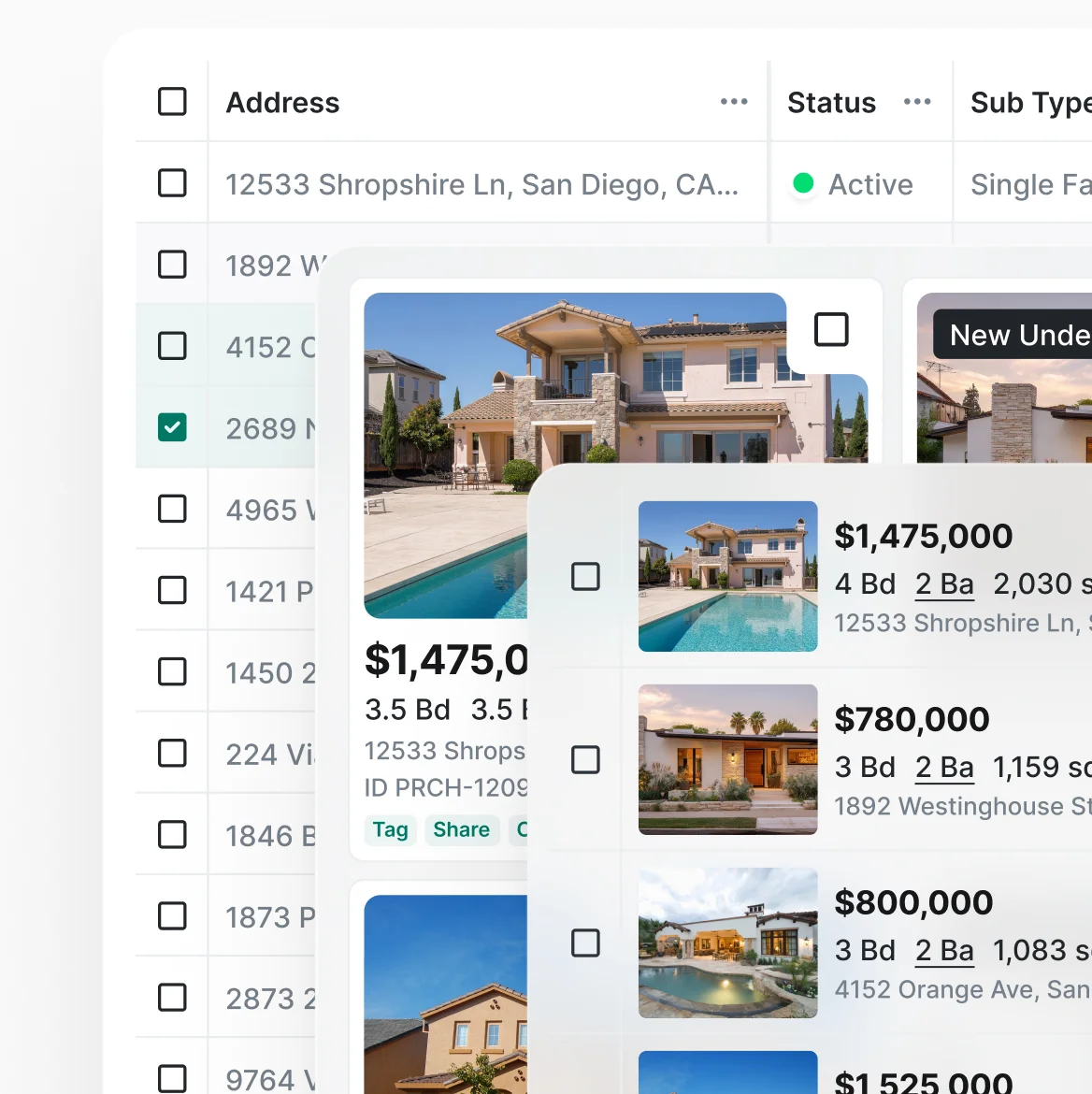
Perchwell search result display variations — grid, list, and compact views
Curate comps your way

Select properties in your collection across different views.
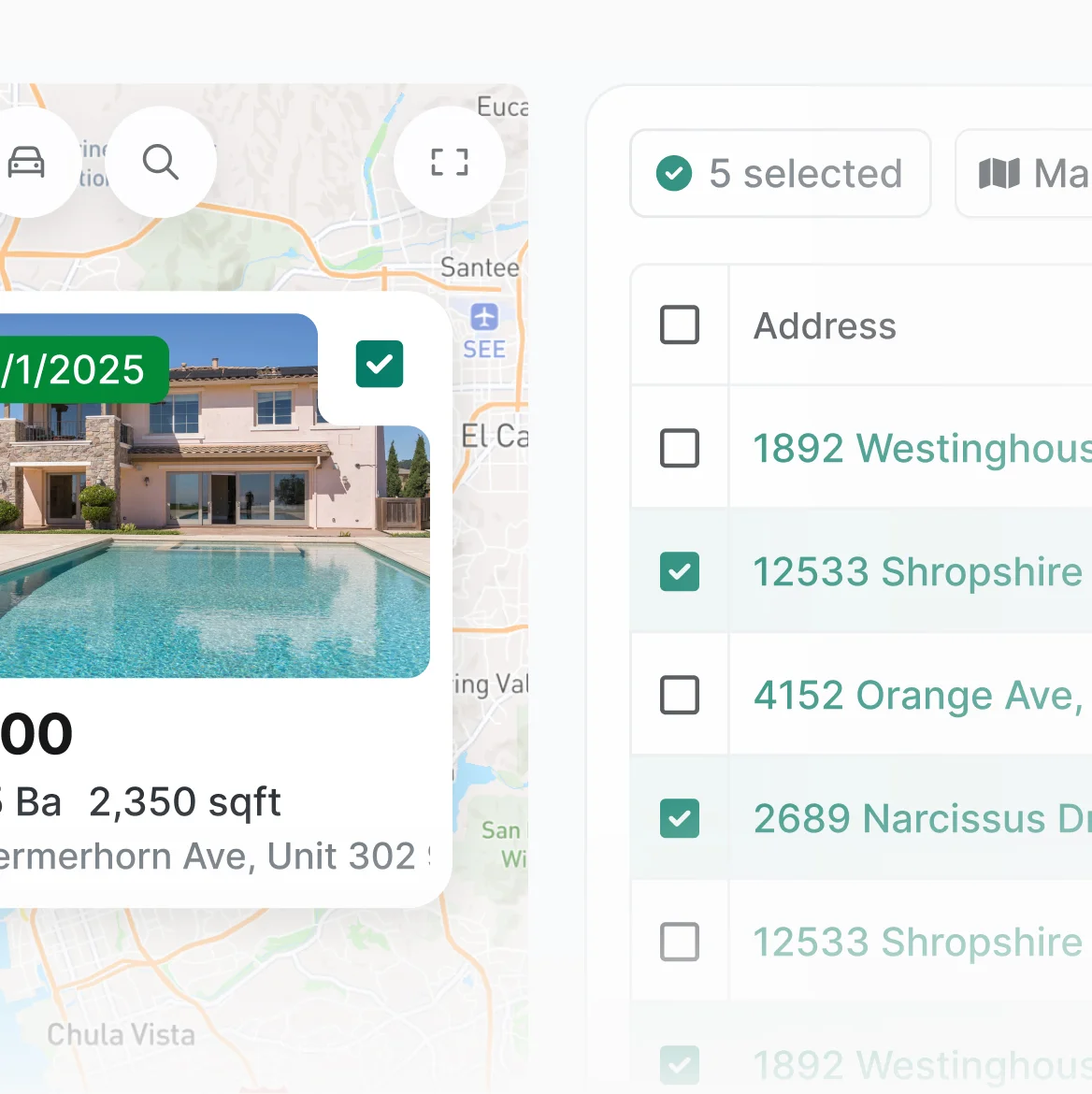
Perchwell comparable listings view
workflow

Go from search criteria to scheduled showing in minutes

1

~1 minUTE
Perchwell search workflow step 1 — running a search with voice or text

Search and refine.

Write your search parameters in plain-English to get your search started, then adjust filters in the results table.

2

~90 secONDS

Compare and shortlist.

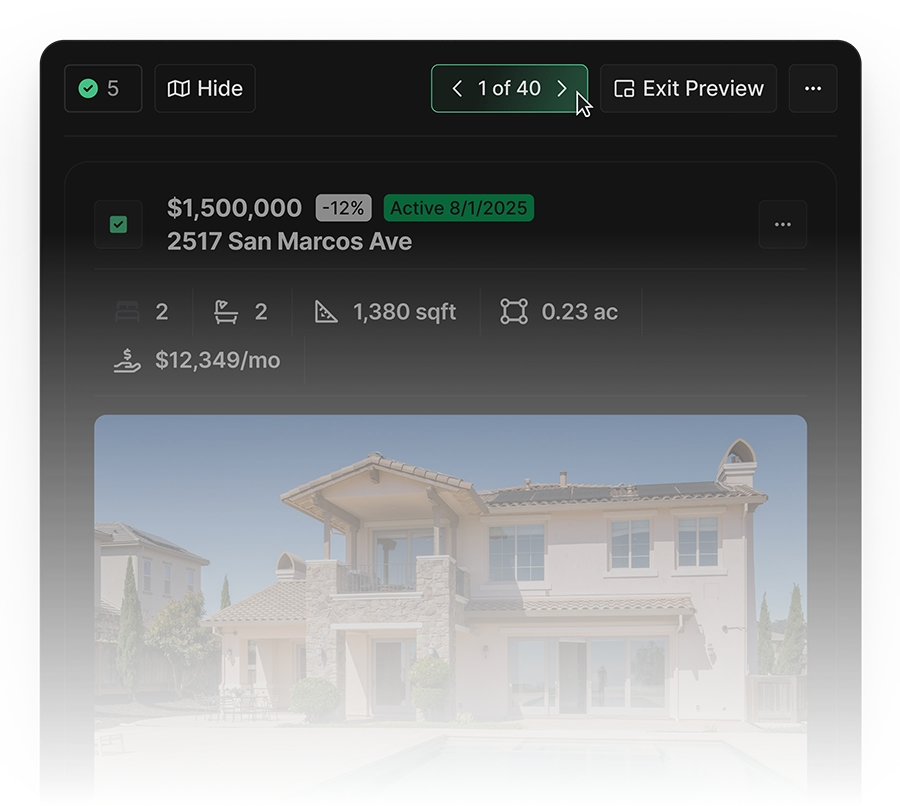
Quickly sift through your selected listings to refine your search. Tag the listings in one click to create a collection that's ready to share with your client.

Perchwell search workflow step 2 — reviewing and comparing listings

3

~30 secONDS
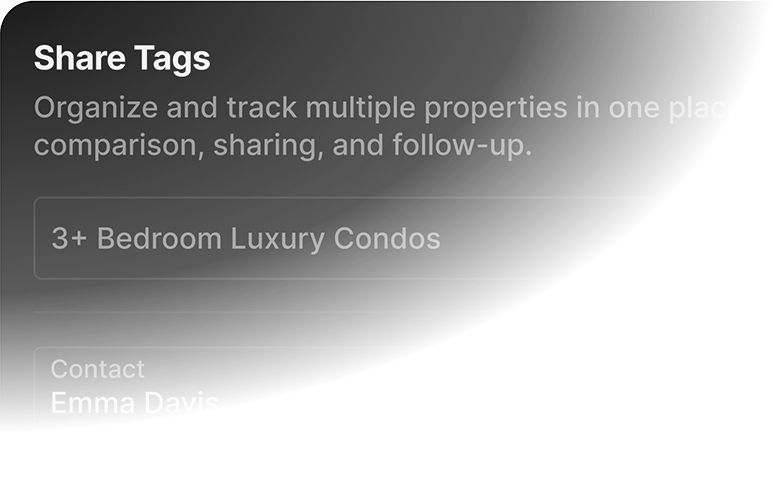
Perchwell search workflow step 3 — sharing curated listings with clients

Share with your client.

Share the collection via email or text on a beautiful branded web page. Your client can browse, save favorites, and leave feedback on web or mobile.

4

Perchwell saved search with configured alerts
~30 secONDS

Book the showing.

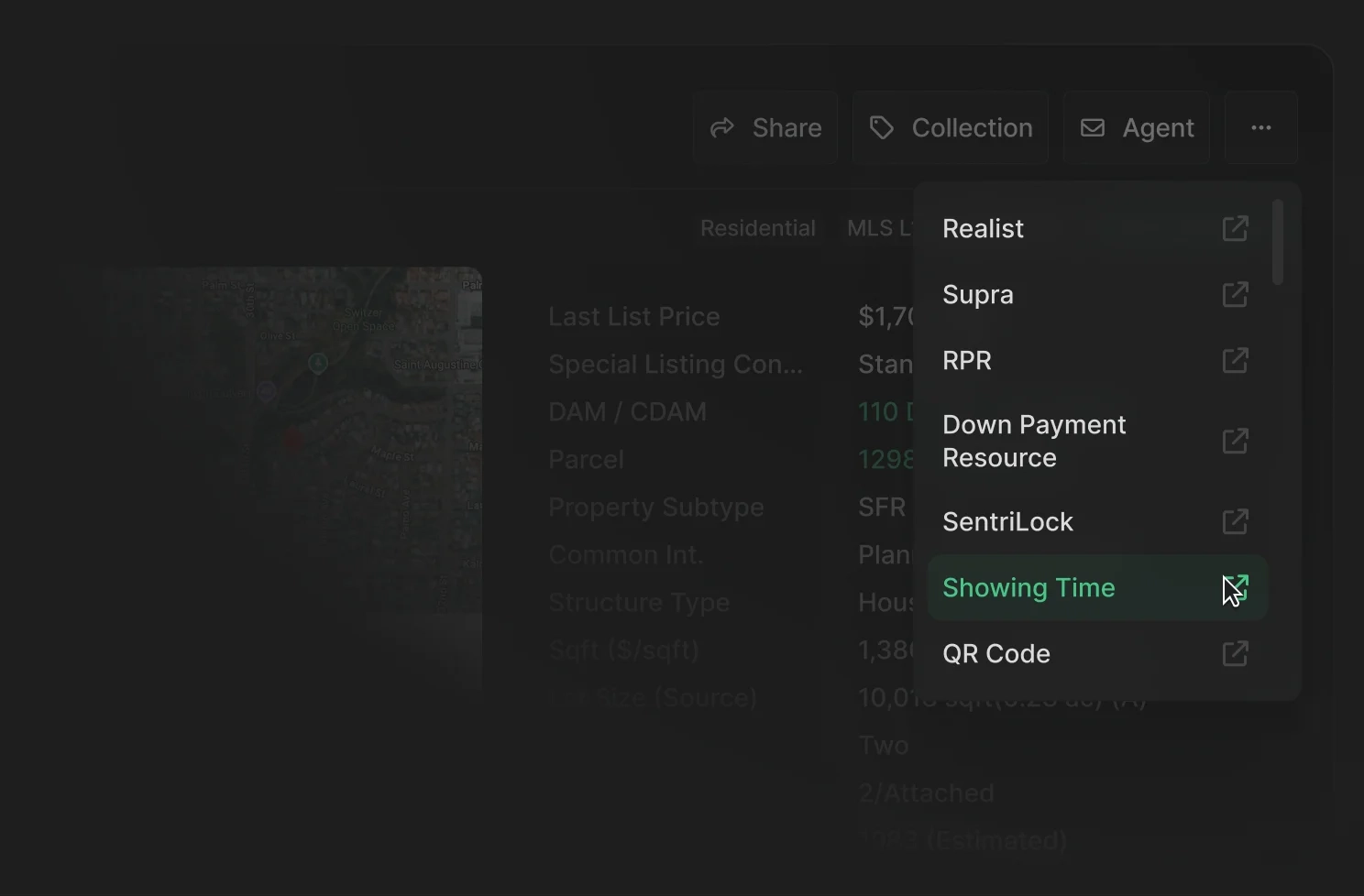
After hearing from your client, schedule a showing using your preferred integration.

Frequently Asked Questions

Can my clients use Perchwell Search?

Yes. Agents can invite clients to search, save favorites, and leave feedback. Your client's searches and preferences sync automatically.

How does Perchwell's AI search work?

SearchWell interprets plain-English queries like "3-bed under $800K near good schools" and sets the filters automatically. It understands real estate terms and neighborhood names. Searchwell is available to agents and clients alike.

Can I customize which columns and filters appear in my results?

Yes. Agents can rearrange, add, or remove columns in the results table. You can also configure default columns and available filters for their market.

What integrations are available from Search?

Perchwell integrates with ShowingTime, Supra, SentriLock, RPR, Realist, Down Payment Resource, and more. They show up on listing detail pages and in bulk action menus.

Does Search work the same on mobile?

Yes. The mobile app has the same capabilities as the web app, all optimized for touch. Saved searches and preferences sync across devices in real time.

Can I search listings by map?

Yes. Perchwell includes a full interactive map with draw-your-own boundaries, neighborhood overlays, and building-level search. Zoom, pan, and filter results in real time. Results update as you move the map.

Join professionals nationwide using Perchwell

Book a live demo with our team

Thank you for your interest in Perchwell! A member of our sales team will contact you shortly.

Oops! Something went wrong while submitting the form. Please check your information and try again.