Your day starts here

Configure your command center and start every day ready to act. One view for new inventory, active client needs, and market shifts.

feature HIGHLIGHTs

Everything you need to monitor, filter, and act

Configurable Widgets

Drag-and-drop your layout. Each widget includes dynamic actions and tabs so you can drill down without leaving the dashboard.
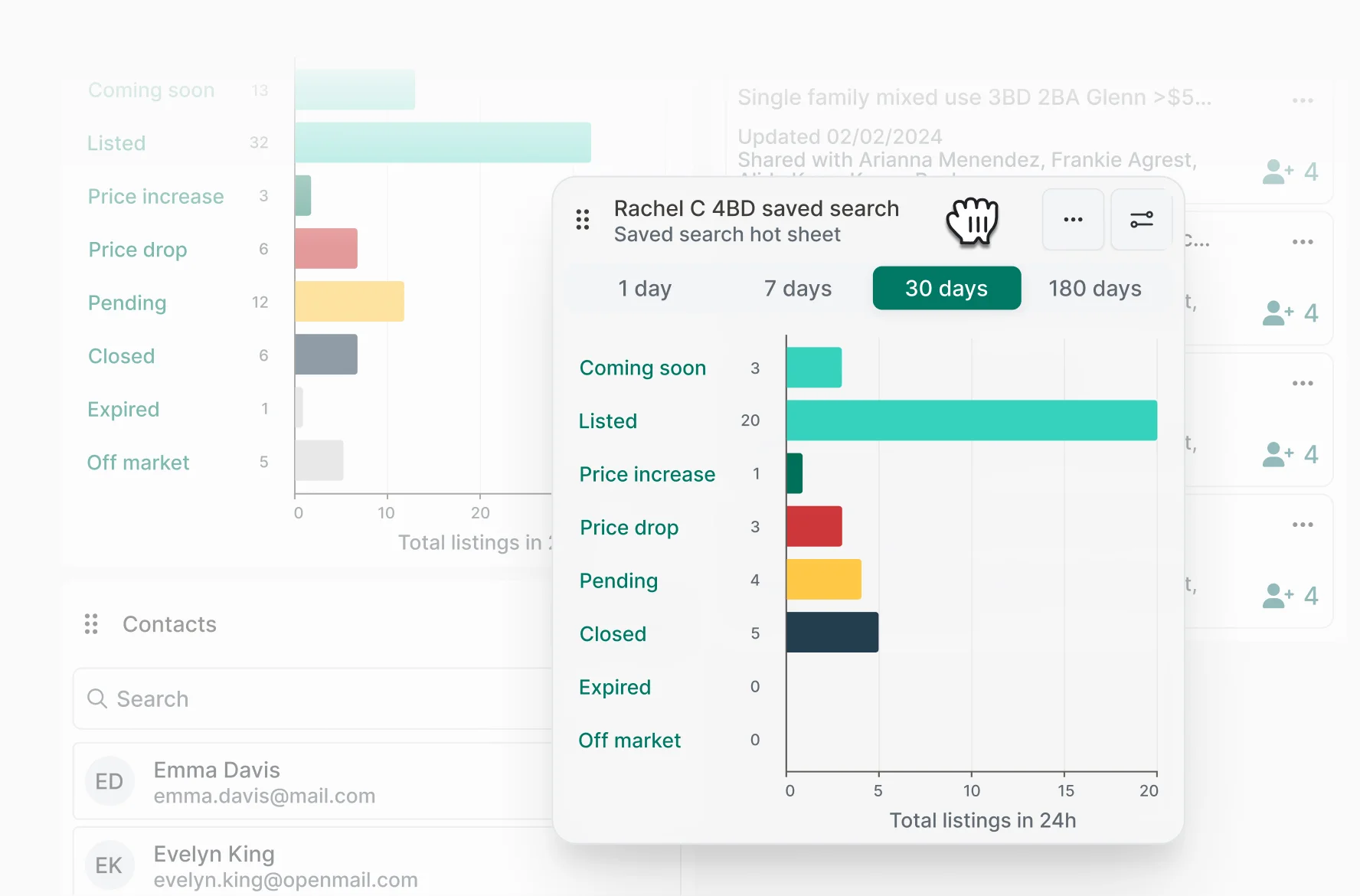
Perchwell Dashboard showing configurable widgets panel
Flexible Hot Sheets

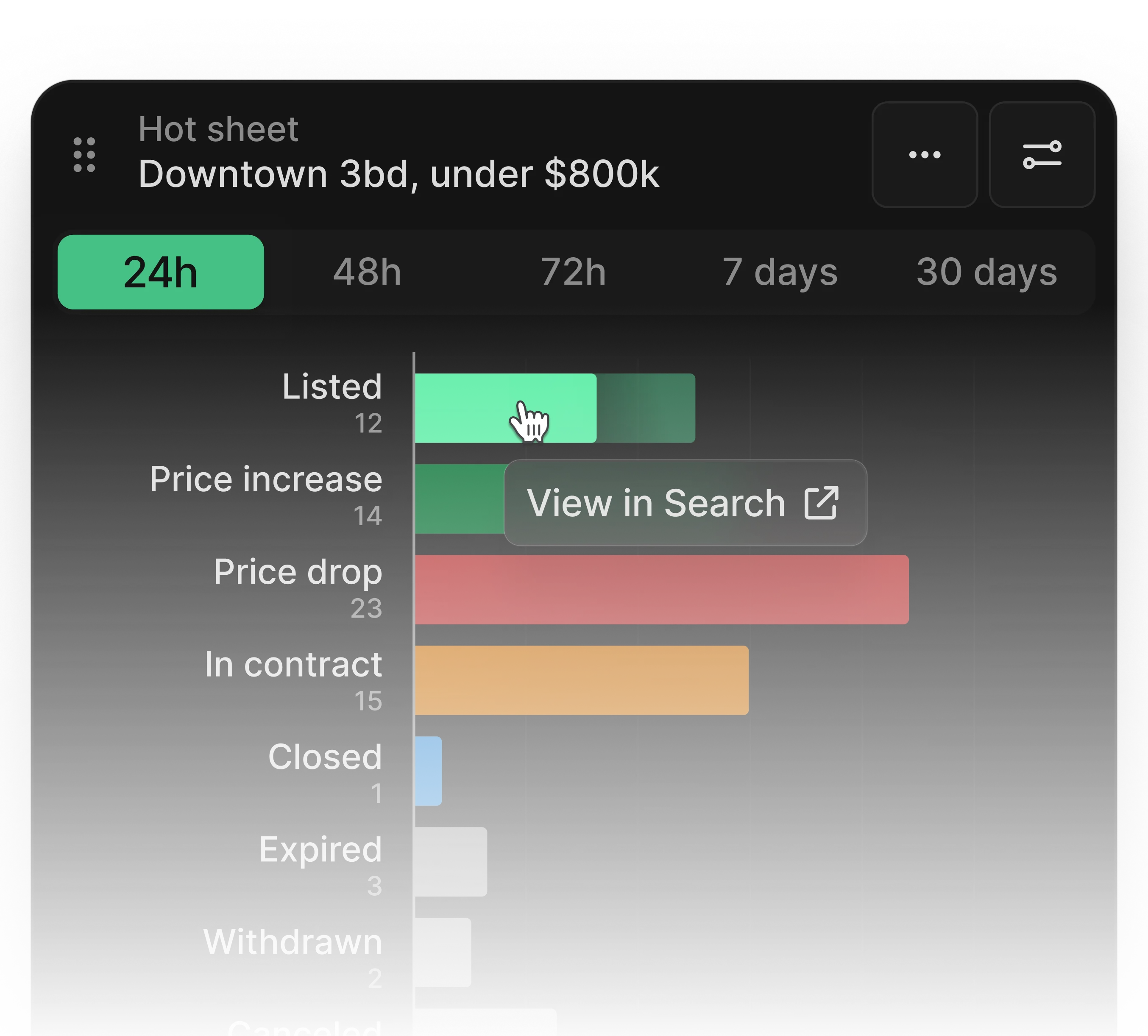
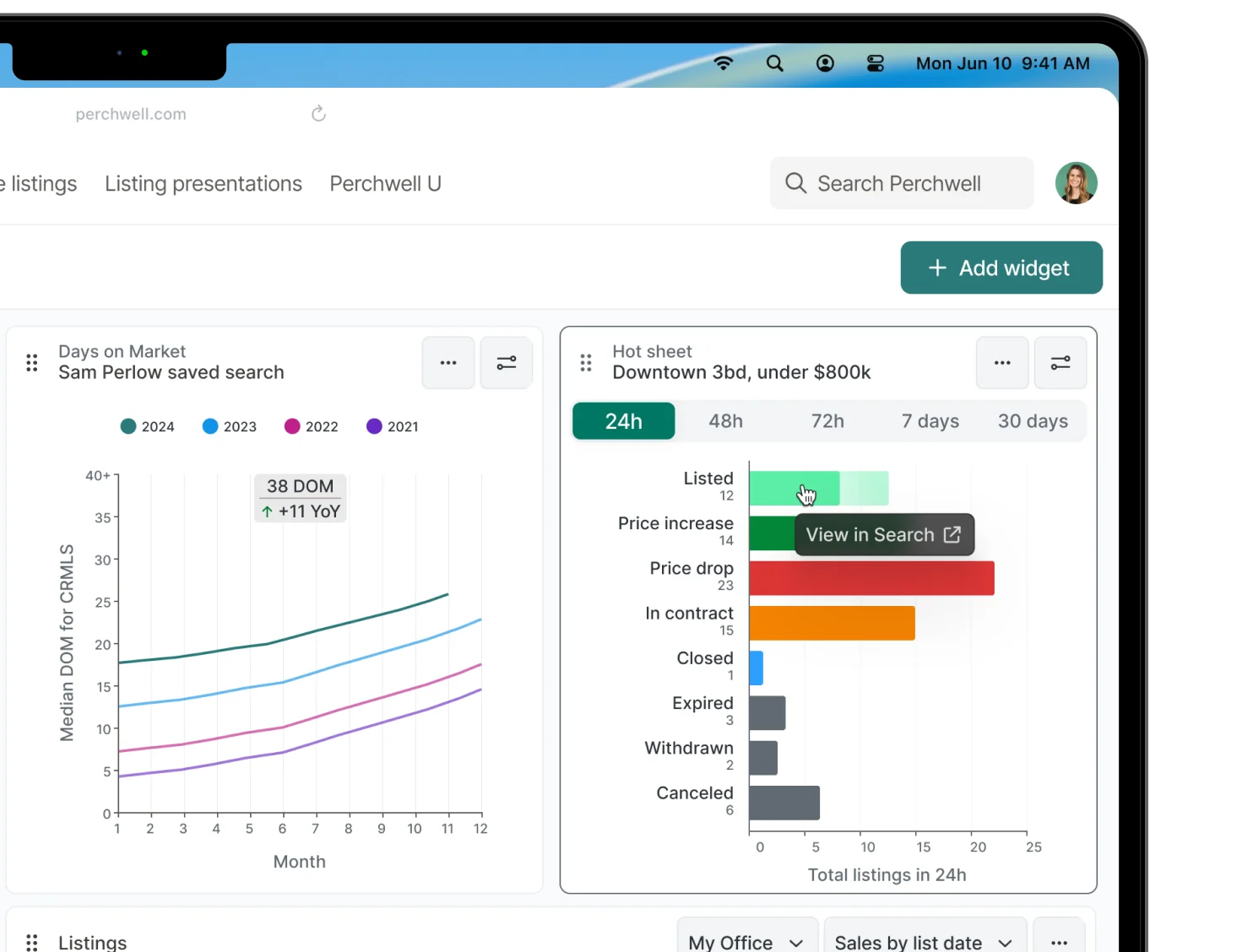
Create unlimited hot sheets manually or generate them from saved searches. Filter by status, location, and timeframe to surface what matters.
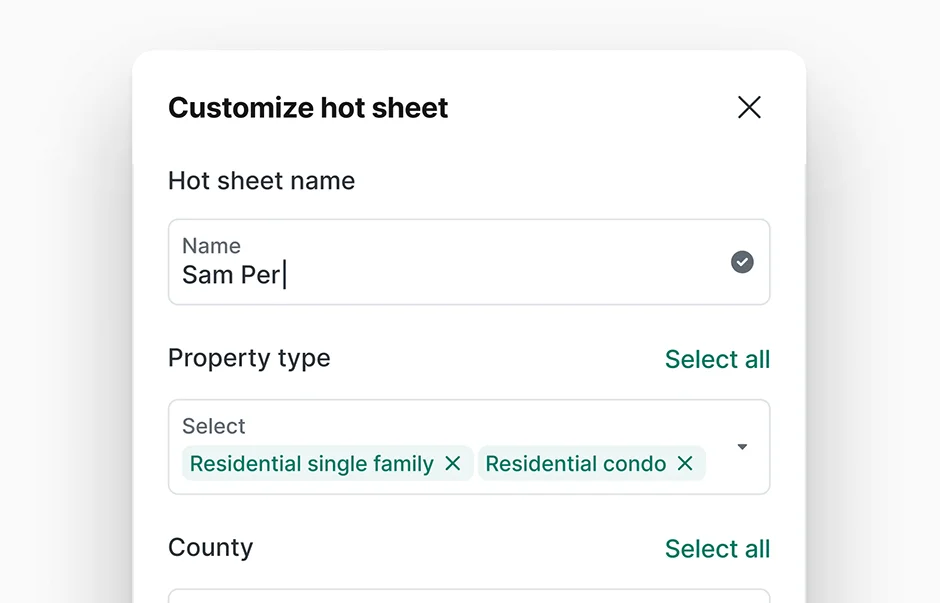
Perchwell Dashboard showing flexible hot sheets widget
Listings Overview

View MLS-wide activity, filter to your brokerage, or see only your listings. Filter by activity type, status, and open houses.
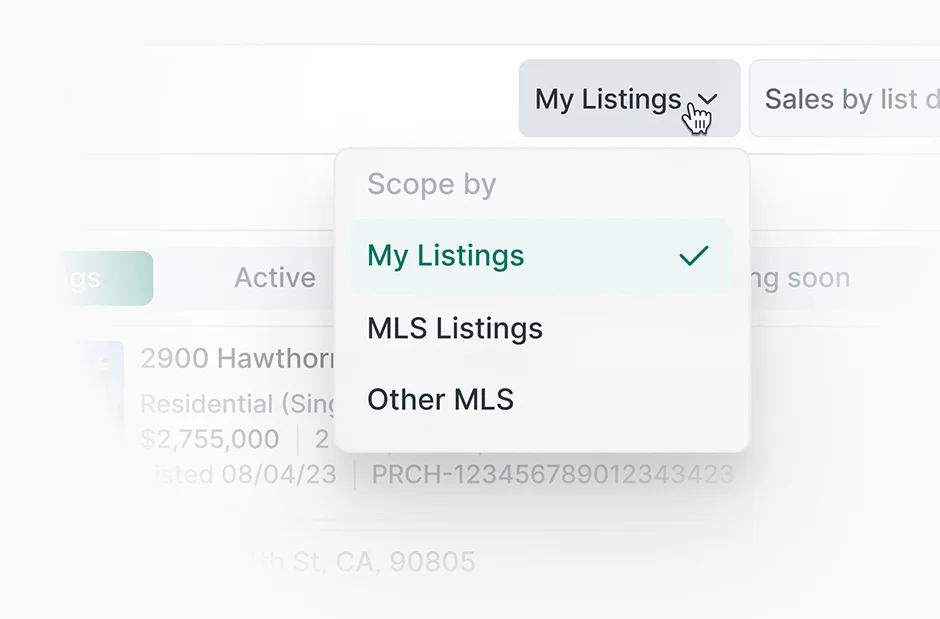
Perchwell Dashboard showing listings overview widget
Ecosystem access

One-click access to your most-used integrations. Configure quick access directly from the dashboard.
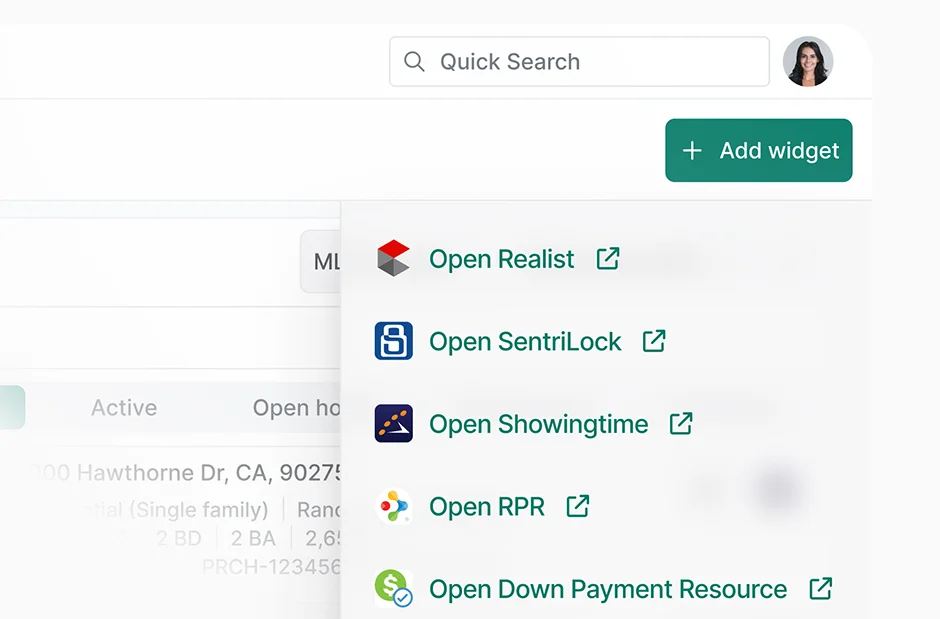
Perchwell Dashboard showing one-click ecosystem access widget
workflow

Get your morning briefing in under 3 minutes

1

~1 minUTE

Monitor your market in a glance.

Open Perchwell and your customized dashboard is already waiting. Hot sheets show three new listings matching active buyer criteria. Saved Search Analytics flags five new results across your automated searches. Listings Overview shows two price reductions in your target neighborhood.

Perchwell Dashboard shared to a client workspace on mobile

2

~90 secONDS

See what’s new in your hot sheet.

Scan your client-specific hot sheets. One new listing is a strong match for the Johnsons: right neighborhood, right price, right size. Click into the listing details without leaving the dashboard.

Perchwell Dashboard configured with hot sheets and saved searches analytics

3

~30 secONDS

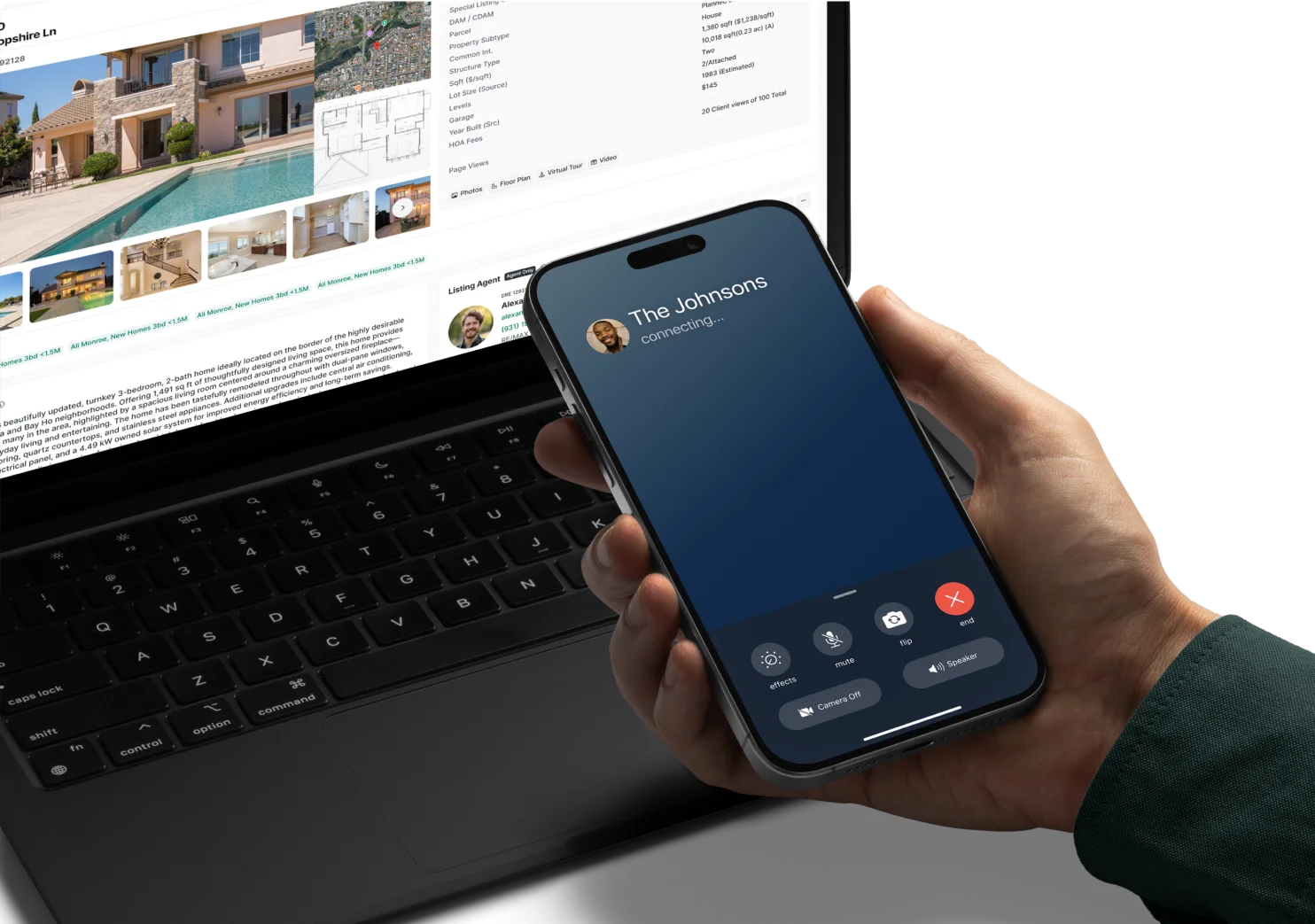
Pick up the phone.

You found a match before finishing your coffee. Call the Johnsons while the listing is fresh.

Perchwell listing detail view opened from the Dashboard

4

~30 secONDS
Perchwell Dashboard hot sheet showing a new listing matching client criteria

Share the listing.

From the listing detail page, share the listing with the client.

Frequently Asked Questions

How customizable is the dashboard?

Fully. Drag and drop widgets to arrange your layout. Each widget includes dynamic tabs and filters so you can configure what data surfaces. Your preferences save automatically and sync across devices. Different agents can configure different layouts based on their workflow.

What are hot sheets and how do they work?

Hot sheets surface new and changed listings that match criteria you define. Create one manually by setting filters (location, price range, property type, status), or generate one automatically from any saved search. No limit on how many you create. Most agents set up one hot sheet per active buyer to monitor inventory specific to each client.

Can I have different views for different clients?

Yes. Create separate hot sheets for each client based on their criteria. Use the Contact & Client Tracking widget to see all activity for a specific contact. You can configure multiple dashboard layouts and switch between them, though most agents find one layout serves all their needs using widget tabs and filters.

How does the dashboard connect to my saved searches?

The Saved Search Analytics widget shows performance for all your saved searches in one view. See which searches are generating matches, how many results each returned, and when new matches arrived. Click through from the widget to review results. You can also generate hot sheets automatically from any saved search, turning a broad search into a focused monitoring tool.

Can my brokerage or MLS customize what widgets are available?

Yes. MLS administrators can configure which widgets are available to agents, set default dashboard layouts for new users, and control access to specific integrations. Brokerage admins can create standardized templates while giving individual agents flexibility to customize their layout. This ensures consistency while respecting workflow preferences.

Join professionals nationwide using Perchwell

Book a live demo with our team

Thank you for your interest in Perchwell! A member of our sales team will contact you shortly.

Oops! Something went wrong while submitting the form. Please check your information and try again.